




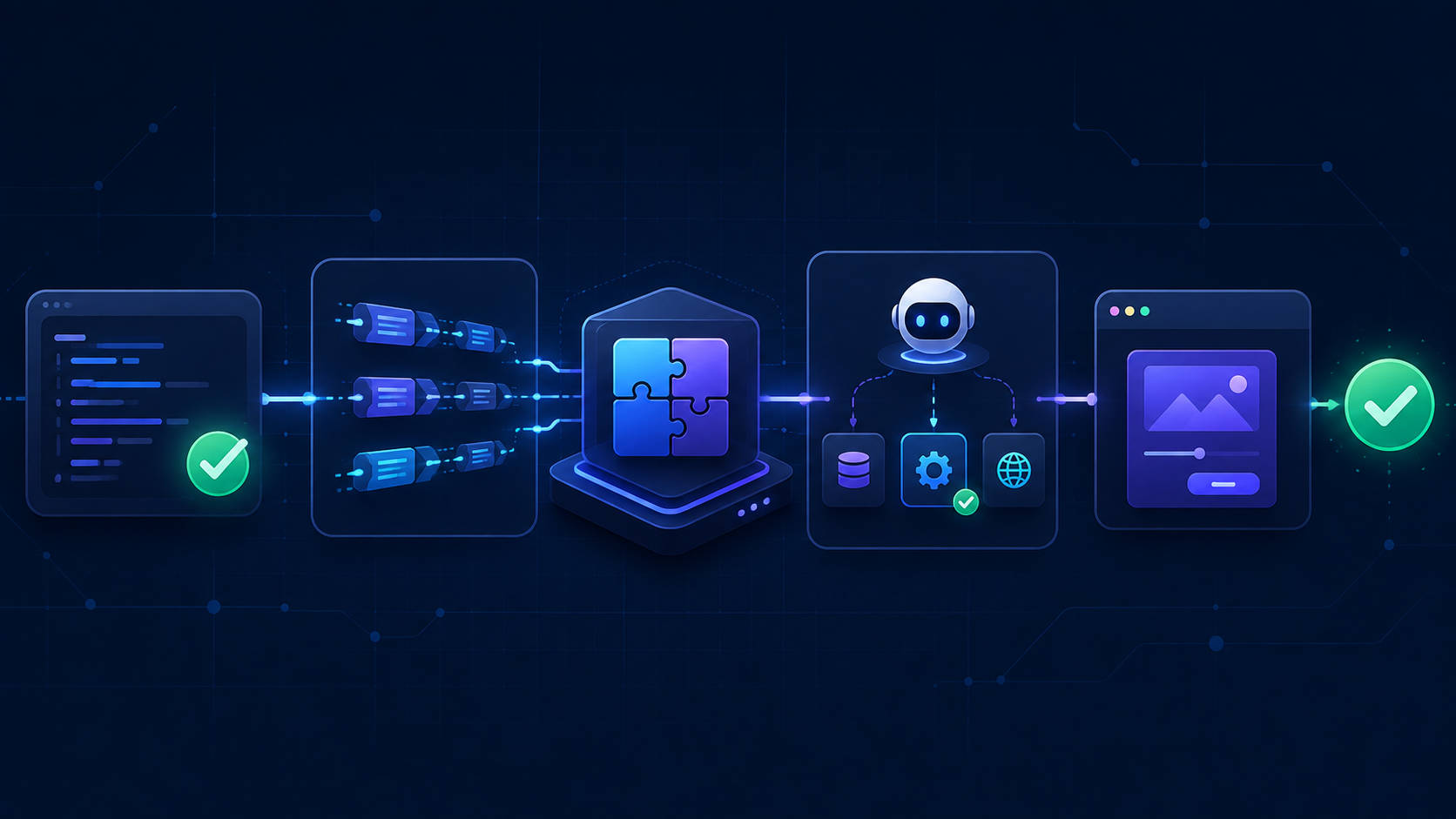
An MCP tool can pass normal tests and still fail when an agent tries to use it.
The implementation may be correct, but the model may choose the wrong tool. It may send the wrong arguments. The tool description may be too vague. Or the result may contain so much data that the model gets lost.
MCP Apps add a few more places where things can break. Now there is a UI resource, an iframe, and a bridge between the app and the host.
I think the easiest way to test all of this is to split it into layers. Each layer should answer a different question.
Start with the normal code
Before testing MCP, test the actual behavior behind the tool.
If a tool creates a note, check that the note exists. If it publishes a page, fetch the published page. If it updates a setting, read the setting again.
test("creates a note", async () => {
  const store = new Map();

  const result = await createNote({
    title: "Release notes",
    store,
  });

  expect(store.get(result.id)).toEqual({
    id: result.id,
    title: "Release notes",
  });
});
This is still the cheapest and clearest test. It tells me if the product behavior works without involving JSON-RPC, transports, a model, or a browser.
I try to check the result, not the implementation. Checking that a mock was called is weaker than checking that the note was created. Reading the source file and searching for a tool name is even weaker. The code can contain the right string while the behavior is broken.
Test through a real MCP client
The next layer checks the MCP boundary.
For a TypeScript server, I can connect a real MCP client to the same HTTP handler I ship. The transport can call the handler through an injected fetch, so the test does not need a port or a socket.
import {
  Client,
  StreamableHTTPClientTransport,
} from "@modelcontextprotocol/client";
import { createMcpHandler } from "@modelcontextprotocol/server";

test("creates a note through MCP", async () => {
  const store = new Map();
  const handler = createMcpHandler(() => createServer({ store }));
  const transport = new StreamableHTTPClientTransport(
    new URL("http://test.local/mcp"),
    {
      fetch: (url, init) => handler.fetch(new Request(url, init)),
    },
  );

  const client = new Client(
    { name: "test", version: "1.0.0" },
    { versionNegotiation: { mode: "auto" } },
  );

  await client.connect(transport);

  try {
    const result = await client.callTool({
      name: "create_note",
      arguments: { title: "Release notes" },
    });

    expect(result.isError).toBe(false);
    expect(result.structuredContent).toMatchObject({
      title: "Release notes",
    });
  } finally {
    await client.close();
    await handler.close();
  }
});
The official TypeScript SDK has a good server testing guide with this pattern.
An in-process test does not replace every transport test. If the server normally runs over stdio, I add one test that starts the real child process. If the deployed HTTP stack adds authentication or other middleware, I send at least one request through that full stack. Transport-specific bugs usually appear during startup, authentication, version negotiation, or shutdown.
Use Inspector for fast smoke tests
The MCP Inspector is useful while developing. Its CLI is also useful in CI because it can list and call tools without a model.
npx @modelcontextprotocol/inspector --cli node dist/server.js \
  --method tools/list \
  --format json
Calling one tool is also simple:
npx @modelcontextprotocol/inspector --cli node dist/server.js \
  --method tools/call \
  --tool-name create_note \
  --tool-arg title="Release notes" \
  --format json
This proves that the packaged server starts and speaks MCP. It does not prove that an agent will select create_note when a user asks for it.
For protocol compliance, there is also the official MCP conformance framework:
npx @modelcontextprotocol/conformance server \
  --url http://localhost:3000/mcp
Conformance tests are useful, but they test the protocol. They do not know if the tool changed the correct data or if its design makes sense to a model.
Add a model-in-the-loop eval
This is the part I would call an agentic test.
Give an agent a normal user request. Connect only the MCP server being tested. Let the model discover the tools and decide what to call.
const run = await runAgent({
  prompt: "Create a note named Release notes",
  mcpServer: {
    command: "node",
    args: ["dist/server.js"],
  },
});

expect(await findNote("Release notes")).toBeDefined();
runAgent can be a small loop around a model API, an agent SDK, or a coding-agent CLI. The important part is not the library. The model must see the tools through MCP instead of receiving a direct call to create_note from the test.
I grade these runs in this order:
- Did the expected state change happen?
- Did the agent respect safety rules?
- Which tools and arguments did it use?
- Was the final answer useful?
The first check matters most. An agent saying “done” does not prove anything. I want to read the database, fetch the generated file, or query the API after the run.
The tool-call trace is still useful. It can show that the model called the same search tool 12 times, ignored pagination, sent invalid arguments, or used a write tool before it had enough information. But I do not force one exact call sequence when several valid paths exist.
Anthropic’s guide to writing tools for agents has a good practical section about creating realistic evaluation tasks and reviewing tool traces. Their broader post about agent evaluations also explains the difference between the agent’s transcript and the final state. OpenAI has similar guidance around trace grading and repeatable eval datasets.
One run is not enough
Model output is not deterministic. A scenario passing once is not the same as a normal unit test passing once.
I run important scenarios several times and report a pass rate.
const results = [];

for (let attempt = 0; attempt < 5; attempt++) {
  const workspace = await createIsolatedWorkspace();
  const run = await runAgent({
    prompt: "Create a note named Release notes",
    mcpServer,
    workspace,
  });

  results.push({
    passed: await workspace.hasNote("Release notes"),
    toolCalls: run.toolCalls,
  });
}

const passed = results.filter((result) => result.passed).length;
console.log(`${passed}/${results.length} trials passed`);
Every trial needs isolated state. Otherwise the second run may pass because the first run already created the note.
I usually keep these tests outside the fast pull request checks. Normal behavior and protocol tests can block every change. Model-based evals can run manually, nightly, or before a release. A stable regression case can become a blocking check later if its pass rate is high enough.
Local LLMs are also an option
You do not always need a hosted model for these tests. A local model with tool-calling support can run the same eval harness through an OpenAI-compatible endpoint.
For example, I keep the model configuration outside the scenario:
LOCAL_LLM_URL=http://localhost:11434/v1 \
LOCAL_LLM_MODEL=my-tool-capable-model \
bun run eval:mcp
Then the harness reads the configuration:
const model = {
  baseURL: process.env.LOCAL_LLM_URL,
  name: process.env.LOCAL_LLM_MODEL,
  apiKey: "local",
};

await runTrials({ model, scenario, count: 5 });
Local models make repeated tests cheaper. They also keep test data on the machine, which can matter for private projects.
But the results may be flaky, especially with smaller models. Tool selection, JSON arguments, context size, quantization, and even the local runtime can change the result. The same scenario may pass three times and fail twice.
For me, this does not make local models useless. I use them as another regression signal, not as proof that every agent will behave the same way. I record the model, version or quantization, context size, temperature, and number of trials. Then I compare pass rates instead of trusting one run.
A local model can also be a useful lower bar. If a small model understands the tool names, descriptions, and result shapes, larger models will probably have an easier time too. But I still run a smaller set against the hosted models my users actually use.
MCP Apps need another test layer
An MCP App is more than a tool result. It has a tool, a ui:// resource, HTML, an iframe bridge, and a host.
First, I test the MCP-side contract without a browser:
const { tools } = await client.listTools();
const tool = tools.find((item) => item.name === "show_notes");

expect(tool?._meta).toMatchObject({
  ui: {
    resourceUri: "ui://notes/view.html",
  },
});

const resource = await client.readResource({
  uri: "ui://notes/view.html",
});

expect(resource.contents[0]?.mimeType).toBe(
  "text/html;profile=mcp-app",
);
This checks that the tool points to a real App resource and that the resource uses the correct MIME type. I also call the tool and check its structuredContent, because this is normally what the UI renders. The text result should still be useful for MCP hosts that do not support Apps.
Do not stop by checking that the returned HTML contains a button or a script. Load the App through a real host bridge and interact with it.
Test the App in a real browser
The official MCP Apps repository includes a basic-host for local testing. It renders the App in a sandboxed iframe and shows the tool input, tool result, messages, and model context.
git clone https://github.com/modelcontextprotocol/ext-apps.git
cd ext-apps
npm install
cd examples/basic-host

SERVERS='["http://localhost:3001/mcp"]' npm start
This is good for manual work. For automation, the MCP Inspector documents an MCP App review flow with stable browser states. A small Playwright test can wait for the connection and App handshake, then test what the user sees.
const reviewUrl = process.env.MCP_APP_REVIEW_URL;
if (!reviewUrl) throw new Error("MCP_APP_REVIEW_URL is required");

await page.goto(reviewUrl);

await page.waitForSelector(
  '[data-testid="connection-status"][data-status="connected"]',
);
await page.waitForSelector('[data-app-status="ready"]');

await expect(
  page.getByRole("heading", { name: "Release notes" }),
).toBeVisible();
Waiting for a real state is better than adding a two-second sleep. A slow CI runner should not make a healthy test randomly fail.
For interactive Apps, I click at least one important control and check the effect. If a Save button updates server state, I read that state after the click. If a chart changes a filter, I check the visible data. Screenshot tests can help with layout regressions, but they should not be the only assertion.
I also test these App-specific cases when they matter:
- The App handles the initial tool input and final tool result.
- Theme and size changes from the host do not break the layout.
- App-only tools are not exposed to the model.
- Errors and cancelled tool calls produce a useful UI state.
- The text fallback still works without App support.
- External domains and permissions match the App’s declared policy.
The official MCP Apps repository uses Playwright and screenshot comparisons for its examples, so there are real tests to learn from.
Test one real host before release
basic-host and Inspector give a controlled environment. A real host can still behave differently around iframe sizing, themes, permissions, authentication, and supported bridge methods.
Before releasing an MCP App, I run one smoke test in at least one host my users actually use. I ask a normal question so the model has to choose the tool. Then I check that the App opens, receives the result, and completes one interaction.
This is not something I would repeat across every host on every commit. Host support changes, and some differences belong to the host rather than the App. One focused smoke test gives useful evidence without turning the test suite into a slow compatibility matrix.
Where I run each test
- Every change: normal behavior tests and in-process MCP tests.
- Regular CI: packaged transport smoke tests, conformance checks, and browser tests for MCP Apps.
- Nightly or manually: repeated model-in-the-loop evals, including optional local LLM runs.
- Before release: one end-to-end test in a real MCP host.
There is no single test that proves an MCP server works. The cheap tests should catch normal code problems. Protocol tests should catch MCP problems. Browser tests should catch App problems. Agentic tests should show whether a model can actually use the whole thing.
